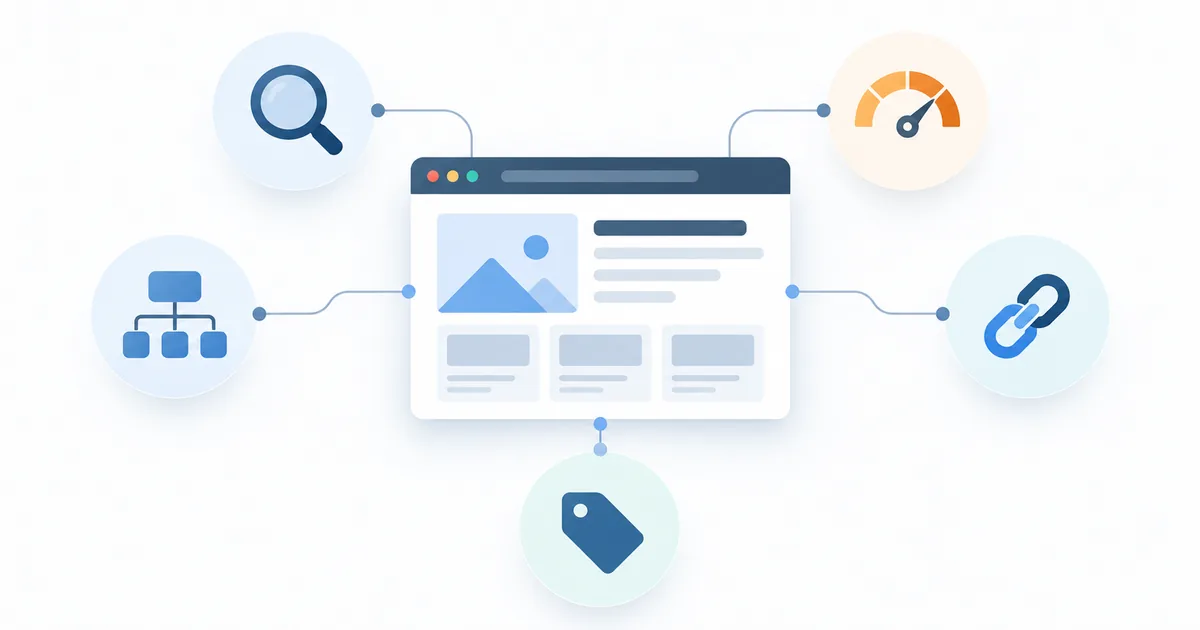
Most of this is decided during design and development, not afterwards. Retrofitting search optimisation into a site built without it costs more than building it in, and some decisions — URL structure and site architecture in particular — are expensive to reverse once a site has history worth protecting.
What follows is twelve steps in three parts: the structural decisions that are hard to change later, the on-page work that repeats on every template, and the technical layer that decides whether any of it is visible to a crawler.
Part one: structure
Structure is the part worth getting right first, because it is the part you cannot cheaply revisit. Everything in this section is a decision made before a single page is designed.
1. Build a flat site architecture
Every important page should be reachable within three clicks of the homepage. Deep burial means fewer crawls, weaker internal link equity and worse rankings — not because depth is penalised, but because importance is inferred from how easily a page can be reached.
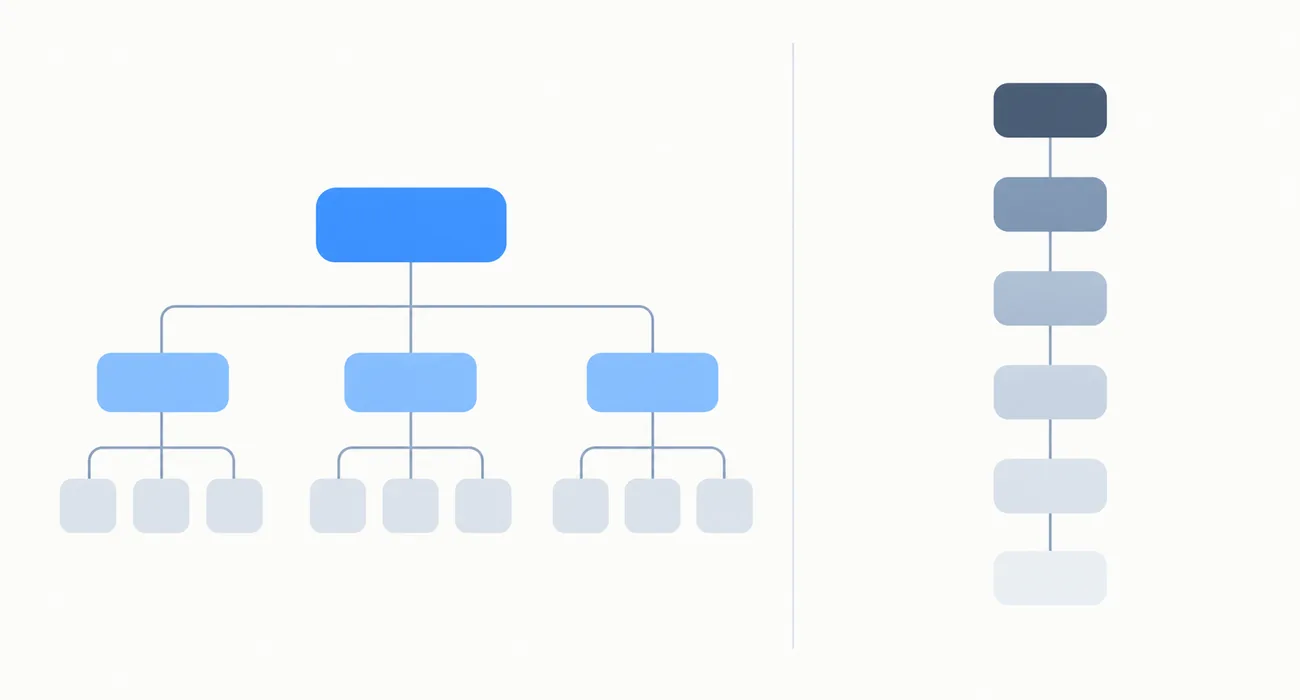
Do: group pages into clear top-level categories, give each service its own page rather than combining them, and keep category depth shallow. Avoid: orphan pages with no internal links pointing at them, and navigation that hides key pages behind multiple dropdown levels.
2. Use descriptive, stable URLs
/services/website-design/ beats /page?id=47. URLs should be lowercase, hyphen-separated, short, and describe what the page contains.
More importantly, decide the structure before launch. Changing URLs later requires a 301 redirect for every change, and each hop loses a little of what the original earned. Stable URLs are an asset that compounds; churned ones are a tax you pay repeatedly.
3. One page per search intent
Two pages targeting the same query compete with each other, and the search engine usually picks the weaker one. This is keyword cannibalisation, and it is the most common structural problem on business sites — usually created by good intentions, as a service page and a blog post about the same service.
Fix: map one primary keyword to one page. Where two pages genuinely overlap, merge them and redirect the weaker one into the stronger.
4. Internal linking
Internal links tell a search engine which of your pages matter and how your topics relate. They are also the single most underused ranking lever available to most sites, because they cost nothing and require no one else’s permission.
Do: link from related pages using anchor text that describes the destination, point several links at the pages you most want to rank, and link new content from existing content the day it publishes. Avoid: generic anchors like “click here”, and relying on navigation links alone.
Part two: on-page
On-page work repeats on every template and every new page, which makes it the part most often skipped under deadline. It is also the part a content editor can own without a developer.
5. Unique title tags and meta descriptions
Every page needs its own. Duplicates confuse search engines and waste the most influential on-page element you control.
Title tag: roughly 50–60 characters, primary keyword near the front, written for a human deciding whether to click. Meta description: roughly 150–160 characters. It is not a ranking factor, but it heavily influences click-through rate, which is.
6. Proper heading hierarchy
One H1 per page containing the primary topic. H2s for main sections, H3s nested beneath them. Never skip a level, and never choose a heading for its visual size — that is what CSS is for.
Headings do two jobs at once: they structure the page for search engines and they make it navigable for anyone using a screen reader, who moves through a page by heading the way a sighted reader skims by eye.
7. Content that answers the query
Technical setup makes you eligible to rank. Content decides whether you do.
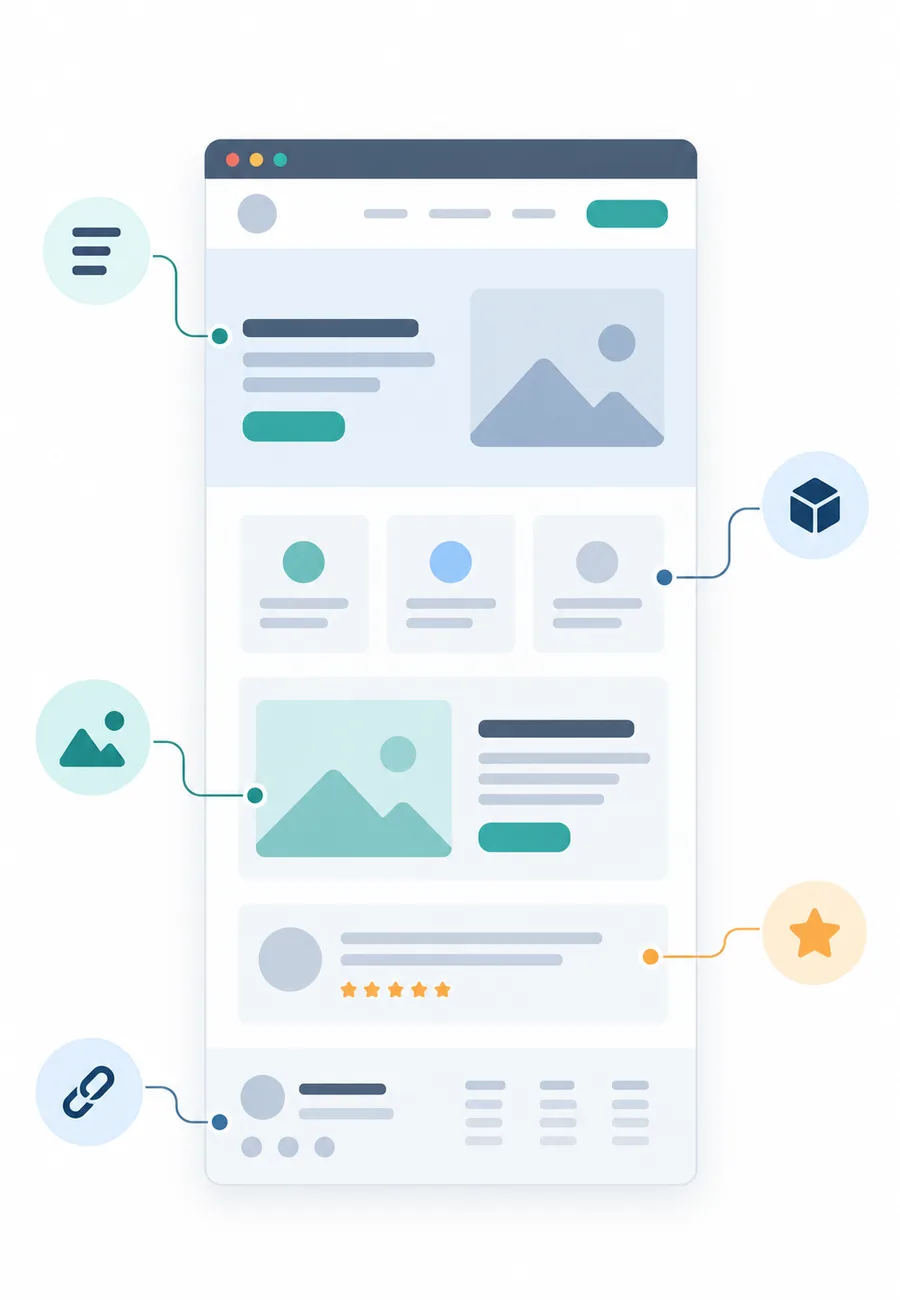
Do: answer the primary question within the first fifty words, cover the subtopics a reader would expect, use natural language and related terms rather than repeating one phrase, and write enough to cover the topic without padding. Avoid: keyword stuffing, thin pages that exist only to target a term, and content that restates what every competitor already says.
8. Image optimisation
Every image needs a descriptive filename, meaningful alt text, a modern format such as WebP, compression to well under 150KB, explicit width and height attributes so the layout does not shift as it loads, and lazy loading anywhere below the fold.
Alt text should describe the image for someone who cannot see it. A keyword fits naturally into most honest descriptions; forcing one in helps nobody and actively misleads the person relying on it.
Part three: technical
The technical layer is where a site is either crawlable and fast or quietly capped. Most of it is invisible to the person approving the design, which is exactly why it belongs in the brief.
9. Speed and Core Web Vitals
Page experience is a confirmed ranking signal, and speed affects conversion independently of rankings — which means it pays for itself whether or not it moves a position.

Targets: Largest Contentful Paint under 2.5 seconds, Interaction to Next Paint under 200 milliseconds, Cumulative Layout Shift under 0.1.
The biggest wins, roughly in order: compress and correctly size images, eliminate render-blocking JavaScript, use hosting that is not the cheapest thing available, enable caching and compression, serve assets from a CDN, and remove the tracking scripts and plugins nobody reads the output of. That last one is usually the largest single saving on an established site, and the least disruptive. If this is the constraint you are up against, performance and custom builds is the work it describes.
10. Mobile-first design
Google indexes the mobile version of your site. If your mobile layout hides content that appears on desktop, that content effectively does not exist for ranking purposes — a trap that collapsible mobile accordions walk into regularly.
Check: full content parity between mobile and desktop, tap targets of at least 44×44px, text readable without zooming, and no horizontal scroll at any width.
11. Structured data
Schema markup helps search engines understand what a page is about, and increasingly decides whether you are cited in AI-generated answers rather than merely listed below them.
Implement at minimum: Organization or LocalBusiness site-wide, BreadcrumbList on every page, Article on blog posts, Product and Offer on e-commerce pages, and FAQPage where you have genuine FAQs.
Rules: schema must describe content that is actually visible on the page, and it must validate. Marking up content that is not there risks a manual action, which is a far worse outcome than the rich result you were reaching for.
12. Crawling and indexing basics
- XML sitemap generated automatically and submitted in Search Console
- robots.txt that does not accidentally block CSS, JavaScript or whole sections
- Canonical tags on every page, to resolve duplicate-content ambiguity before it is guessed at
- HTTPS across the entire site, with no mixed content
- 404 handling with a page that offers navigation rather than apologising
- 301 redirects for every URL that ever changes
The measurement layer
Search work without measurement is guesswork with a vocabulary. Set this up before launch, not after — retrofitting analytics means losing the baseline you would have compared against.
| Tool | What it tells you |
|---|---|
| Google Search Console | Queries, impressions, click-through rate, indexing problems and field Core Web Vitals |
| Analytics platform | Traffic sources, on-site behaviour and conversions by channel |
| PageSpeed Insights | Lab and field performance data for a single URL |
| Rich Results Test | Whether your structured data is valid and eligible |
Set up conversion tracking for every meaningful action — form submissions, calls, bookings, purchases. Traffic you cannot tie to an outcome tells you very little about what is working, and quite often flatters the pages that attract the least serious visitors.
Then give changes time. Meaningful movement usually takes eight to twelve weeks to appear, and reacting to weekly fluctuations is how people end up changing things that were already working.
SEO mistakes built into websites
These are build decisions rather than content decisions, which is why they survive years of content effort without being noticed:
- Text embedded in images. Search engines read text, not pictures. A headline baked into a graphic is invisible to both a crawler and a screen reader.
- JavaScript-dependent content with no server-side rendering. Google can render JavaScript, but it is slower, less reliable and spends crawl budget. Critical content belongs in the initial HTML.
- Infinite scroll with no paginated alternative. Content that only loads on scroll may never be crawled at all.
- One combined services page. Five services on one page can rank for one query. Five pages can rank for five.
- No blog or resource section. Service pages target a handful of commercial queries. Content targets the much larger set of questions buyers ask earlier, before they know what to search for.
- Changing URLs in a redesign without redirects. The most destructive single mistake on this list. Established sites routinely lose the majority of their organic traffic this way, and recovery takes months.
- Blocking a staging site incorrectly — or forgetting to unblock at launch. A live site with
noindexleft in place from staging will never rank. Check it on launch day, every time.
Does website design affect SEO?
Directly, through site speed, mobile usability, heading structure, semantic HTML, image weight, navigation depth and how content is organised. Indirectly, through how long people stay, whether they visit more than one page, whether they convert, and whether anyone else finds the result worth linking to.
Design does not rank a site by itself. But design decisions set the ceiling on what content work can achieve, which is why this belongs in the brief alongside the rest of what a website actually has to contain — not in a separate project six months after launch, when the structural choices have already hardened.
Frequently asked questions
How do I make my website SEO-friendly?
Build a flat site architecture with every important page within three clicks of the homepage, use descriptive stable URLs, write unique titles and descriptions for every page, maintain one H1 per page with proper heading hierarchy, optimise images, add internal links between related pages, implement structured data, submit an XML sitemap, ensure fast mobile performance, and serve everything over HTTPS.
Does website design affect SEO?
Yes, directly through site speed, mobile usability, heading structure, semantic HTML and navigation depth, and indirectly through engagement signals like time on site and conversion rate. Design decisions set the ceiling on what your content can achieve.
How long does SEO take to work?
Meaningful ranking movement typically takes 8–12 weeks for a new page, and three to six months for competitive terms. New domains take longer. Weekly fluctuations are normal and shouldn't trigger changes.
What is keyword cannibalisation?
It happens when two or more pages on your site target the same search query, causing them to compete with each other. Google usually ranks only one, often the weaker page. Fix it by mapping one primary keyword to one page and merging or redirecting overlapping pages.
Do I need structured data for SEO?
It isn't required to rank, but it helps search engines understand your content and increasingly influences whether you're cited in AI-generated answers. Implement Organization, BreadcrumbList and Article markup as a baseline, and only mark up content that's genuinely visible on the page.
How many pages should my website have for good SEO?
There's no target number. What matters is that each page serves a distinct search intent with genuinely useful content. Five strong pages outperform thirty thin ones, and thin pages can actively hold a site back.
What's the most common SEO mistake during a website redesign?
Changing URLs without mapping 301 redirects. Established sites regularly lose most of their organic traffic this way, and recovery takes months. Map every old URL to its new equivalent before launch.
Conclusion
SEO-friendly design is not a layer applied at the end. It is a set of structural decisions — architecture, URLs, heading semantics, performance — made during the build, when they are still cheap to make differently.
If you are commissioning a website, put these twelve items in the brief and ask each candidate how they will handle them. The answers tell you a great deal about whether you are hiring someone who builds sites that get found, or sites that merely look finished.
If you would rather see the twelve applied to your own site than read about them, start with a free mockup — we’ll show you the structure and performance work alongside the design.