
Maintenance is the line item businesses cut first and regret most. A website is not a finished object — it is software running in an environment that keeps changing around it. Browsers update, platforms patch vulnerabilities, integrations deprecate endpoints, and content goes stale whether or not anyone touches it.
Maintenance pricing at a glance
| Plan level | Monthly cost | Typically includes |
|---|---|---|
| DIY | $0 plus your time | You handle everything — 2–5 hours a month |
| Basic | $50–$150 | Updates, backups, uptime monitoring, security scanning |
| Standard | $150–$400 | Basic, plus content updates, performance monitoring and monthly reporting |
| Premium | $400–$1,000 | Standard, plus priority support, staging testing, SEO monitoring and small development work |
| E-commerce | $400–$2,000+ | Premium, plus payment and integration monitoring, product support and an uptime SLA |
| Enterprise | $2,000+ | Dedicated support, custom SLAs and security auditing |
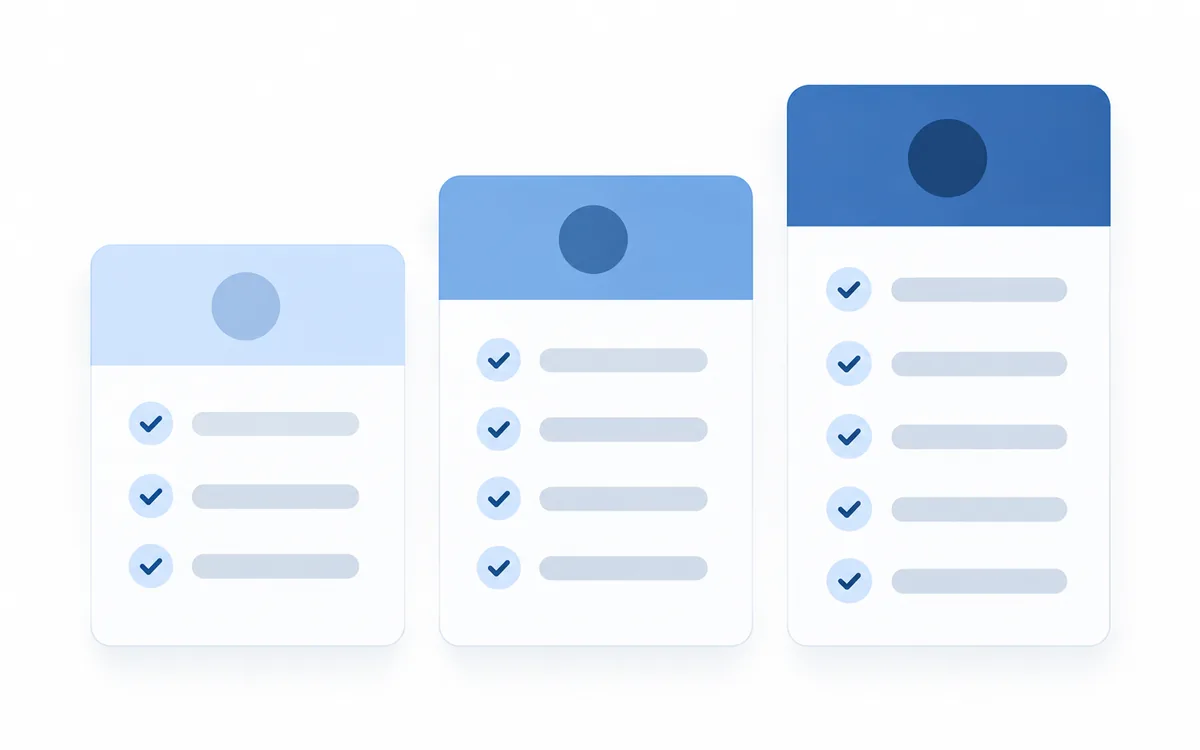
Most small business sites sit comfortably in the $100–$300 range. Below $50 a month you are usually buying automated updates with no human review — better than nothing, but not the same thing as maintenance, and worth knowing which one you are paying for.
What should be in a maintenance plan
Core technical maintenance
- Platform and plugin updates, applied to a staging site first and tested before going live. Updating straight to production is how sites break on a Tuesday afternoon.
- Automated backups stored off-server, with a restore process somebody has actually run. An untested backup is a hope, not a backup.
- Security monitoring — malware scanning, file integrity checks, login protection and firewall rules.
- Uptime monitoring with alerts, so you hear the site is down from your provider rather than from a customer.
- SSL certificate renewal and mixed-content checks.
- Database optimisation, to prevent the gradual slowdown as tables fill with revisions and logs.
Performance
- Quarterly Core Web Vitals testing
- Image and asset optimisation on new content
- Caching configuration review
- Removing the plugins and scripts that accumulate over time
Content and functionality
- A defined allowance of content updates, usually 1–4 hours a month
- Broken link checks
- Form testing, including the confirmation emails — forms fail silently more often than anything else on a website
- Browser compatibility checks after major browser releases
Reporting
A monthly summary covering what was updated, uptime, traffic and performance trends, security events, and anything recommended. If a plan includes no reporting, you have no way to know whether you are receiving anything at all.
What happens without maintenance
These are not hypothetical. They are the common failure modes, roughly in order of how often they turn up.
- Security compromise. Unpatched platforms and plugins are the most exploited vector on the web. Compromised sites get used for spam, malware or redirect injection, and are often flagged by Google with a warning that appears in search results. Cleanup costs $500–$5,000 and recovering search trust takes months.
- Silent form failures. An SMTP change, an expired API key or a plugin conflict stops submissions reaching you, while the form still appears to submit successfully. Businesses routinely find out weeks later, after wondering why enquiries dried up.
- Payment integration breakage. On e-commerce sites a gateway API deprecation or an expired credential can stop checkout working. Revenue goes to zero until somebody notices.
- Gradual performance decay. Content accumulates, plugins pile up, tracking scripts multiply and databases bloat. A site that launched at 1.8 seconds can be at 5 within two years without anyone making a single deliberate change — which is why Core Web Vitals belong on a quarterly schedule rather than a launch checklist.
- Broken functionality after updates. Platforms deprecate features and APIs change. Something that worked at launch stops working, and nobody is watching.
- Content decay. Outdated pricing, departed staff on the team page, expired offers, dead links. Each costs a small amount of credibility.
- Lost data. The worst case: a server failure or compromise with no working backup. Some businesses rebuild from scratch.
The maintenance schedule
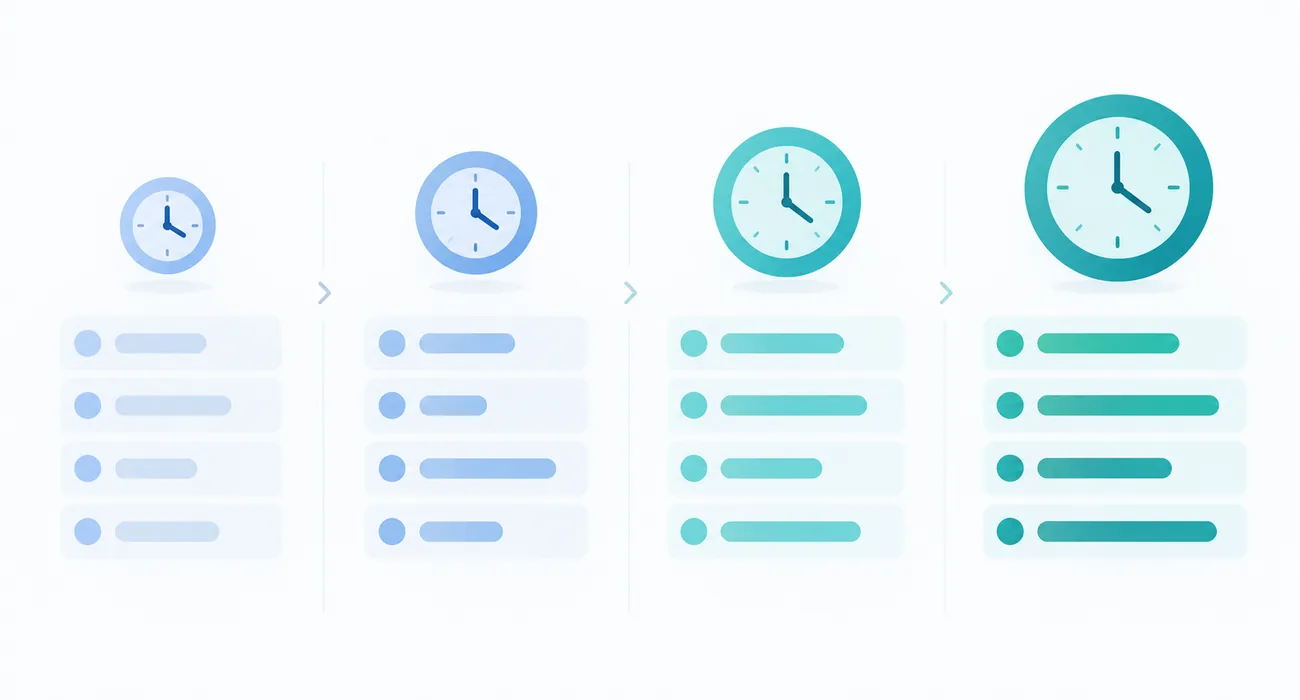
If you are handling it yourself, this is the realistic cadence.
Weekly
- Check uptime alerts
- Review security scan results
- Verify that backups completed
Monthly
- Apply platform, theme and plugin updates on staging, test, then deploy
- Test every form end to end, including the emails they trigger
- Review broken links
- Check analytics for unusual drops
Quarterly
- Run PageSpeed Insights on mobile and desktop
- Review and remove unused plugins and scripts
- Optimise the database
- Audit content for accuracy
- Test a backup restore
Annually
- Review the hosting plan against actual traffic
- Full security audit
- Accessibility audit
- Review design and structure against current expectations
- Renew domain, SSL and licences
Realistically that is 2–5 hours a month for a standard business site, and more for e-commerce. At any reasonable valuation of your own time, a $150 plan compares favourably — the question is whether the hours actually happen, not whether they are cheap.
Hosting: the part that is not maintenance
Hosting and maintenance are frequently bundled and more frequently confused.
| Shared hosting | Managed hosting | Cloud or VPS | |
|---|---|---|---|
| Cost | $60–$300/yr | $300–$3,600/yr | $600–$12,000/yr |
| Best for | Low-traffic brochure sites | Business sites and e-commerce | High traffic and custom applications |
| Includes | Server space | Server space, updates, backups, security, CDN | Infrastructure only |
| Speed | Variable — shared resources | Fast, optimised | Fast, scales |
Managed hosting covers some of what a maintenance plan does — automatic core updates, backups, server-level security. It does not cover plugin testing, content updates, form monitoring, or anyone actually looking at your site. The two are complementary, not alternatives.
The most common mistake: running a store or a business site generating real revenue on $5-a-month shared hosting. It works until the first traffic spike, which is precisely when you can least afford it to fail.
How to compare maintenance plans
Ask every provider:
- What exactly is included, and what is billed separately? Get content update hours specified as a number.
- Do you test updates on staging before deploying to live? If not, the plan is a liability rather than cover.
- Where are backups stored, how often, and how long are they retained? Off-server, daily, 30 days or more is a reasonable baseline.
- Have you tested a restore? Ask when they last did one.
- What are your response times for a site that is down? Get it in writing.
- What reporting do I receive? Monthly, at minimum.
- Does this include hosting, or is that separate?
- What happens if the site is hacked — is cleanup included?
- Can I cancel monthly, and do I keep everything if I leave?
Red flags: no staging environment, backups stored on the same server as the site, no reporting, long lock-in contracts, and anyone who cannot tell you when they last tested a restore. The last one is the most telling, because it is the one that cannot be bluffed.
These are the same questions worth settling in writing before a build starts, which is why several of them also appear in what a website design contract should contain.
Do you actually need a plan?
Probably not a paid one if the site is a simple brochure site on a fully hosted platform such as Squarespace or Wix, where the platform handles updates and security, and you are comfortable checking the forms occasionally.
Probably yes if the site runs on WordPress or anything self-hosted, processes payments, handles personal data, generates meaningful leads or revenue, has custom functionality, or nobody internally has the time and skill to do the monthly work.
The honest test: estimate what a week of downtime would cost your business. If the number is uncomfortable, maintenance is cheap insurance. If it is close to zero, a basic plan or careful DIY is a reasonable call.
For the sake of being clear about it: we do not sell maintenance retainers. We build sites and hand them over with the documentation and editor training needed to run them, and the figures above are what we would tell a client asking what a fair plan costs. There is nothing attached to the advice, which seemed worth saying on a page that spends most of its length recommending you buy something.
Where this sits in the total cost
Maintenance is one of several costs that continue after launch, and the one most often left out of a budget built around the build quote. It belongs alongside hosting, domain renewal, licences and content work in the full picture of what a website costs — and it is worth deciding who owns it before launch, not after the first thing breaks. If performance is the part already slipping, performance and custom builds is the work that addresses it directly.
Frequently asked questions
How much does website maintenance cost per month?
Most small and mid-size businesses pay $50–$500 per month. Basic plans covering updates, backups and security monitoring run $50–$150, standard plans adding content updates and reporting run $150–$400, and e-commerce or complex sites run $400–$2,000 or more.
What is included in website maintenance?
Platform and plugin updates tested on staging, automated off-server backups, security and malware monitoring, uptime monitoring, SSL renewal, performance checks, broken link and form testing, a defined allowance of content updates, and monthly reporting.
Do I really need a website maintenance plan?
It depends on the platform and what the site does. Sites on fully hosted platforms like Squarespace need less, since the platform handles updates. Self-hosted sites, anything processing payments or personal data, and any site generating meaningful revenue should have one.
What happens if you don't maintain a website?
The most common outcomes are security compromise through unpatched software, forms silently failing so enquiries never arrive, payment integrations breaking on e-commerce sites, gradual performance decay, and broken functionality after platform updates. Hacked site cleanup typically costs $500–$5,000 plus months of lost search trust.
Is hosting the same as maintenance?
No. Hosting provides the server your site runs on, and managed hosting may include core updates, backups and server security. Maintenance covers plugin testing, content updates, form monitoring, performance work and someone actually reviewing the site. They're complementary.
How often should a website be updated?
Security and plugin updates monthly at minimum, applied on staging first. Performance and content reviews quarterly. A full security and accessibility audit annually. Design and structural refreshes typically every three to five years.
Can I do website maintenance myself?
Yes, for a standard business site it's roughly 2–5 hours per month: applying tested updates, verifying backups, testing forms, checking links and reviewing analytics. The requirements are a staging environment, a working backup process and the discipline to do it on schedule rather than when something breaks.
Conclusion
Maintenance is unglamorous and easy to defer, which is exactly why unmaintained sites are so common. The cost of a plan is predictable and modest. The cost of neglect arrives all at once, usually at an inconvenient moment, and usually larger than several years of the plan that was skipped.
Decide based on what the site is worth to the business rather than on what the plan costs. If a week offline would hurt, you already know the answer — and if you are still specifying the build, the launch checklist is where the question belongs.
If you would rather start with a site built to need less of this, get a free mockup — we’ll show you the build and what running it actually involves.